App icon generator
Your logo as an app icon for iOS, macOS, Android, Windows and Linux — composed inside the safe area each platform imposes, and shown at the sizes it will really be seen at.
Your file never leaves the device, nothing is stored, and there is no account.
Where it will live
What you get
- ios/asset-catalog/AppIcon.appiconset/AppIcon-1024.png1024×1024 pxthe app icon itself: one square, and every size is scaled from it
- ios/asset-catalog/AppIcon.appiconset/Contents.jsonthe slots Xcode fills, one 1024 square per appearance
- ios/README.txtwhat is in this folder, and what is not
How it works
- 01
Drop in your logo
PNG, JPEG, WebP or SVG, up to 8 MB. It stays on your device: the file is decoded, composed and encoded in your browser.
- 02
Look at it where it lands
The logo drawn into the places this page is about, at the size each one really uses, with the sentences the tool has about your own file underneath.
What an app icon is, and where it is read
An app icon is not one picture at one size. Each system takes its own container — a single square for iOS, a container of many sizes for macOS and Windows, two layers for Android's launcher — and the shape your logo is drawn in is the system's to apply. This page hands over the six destinations below, all composed from the one square you give it.
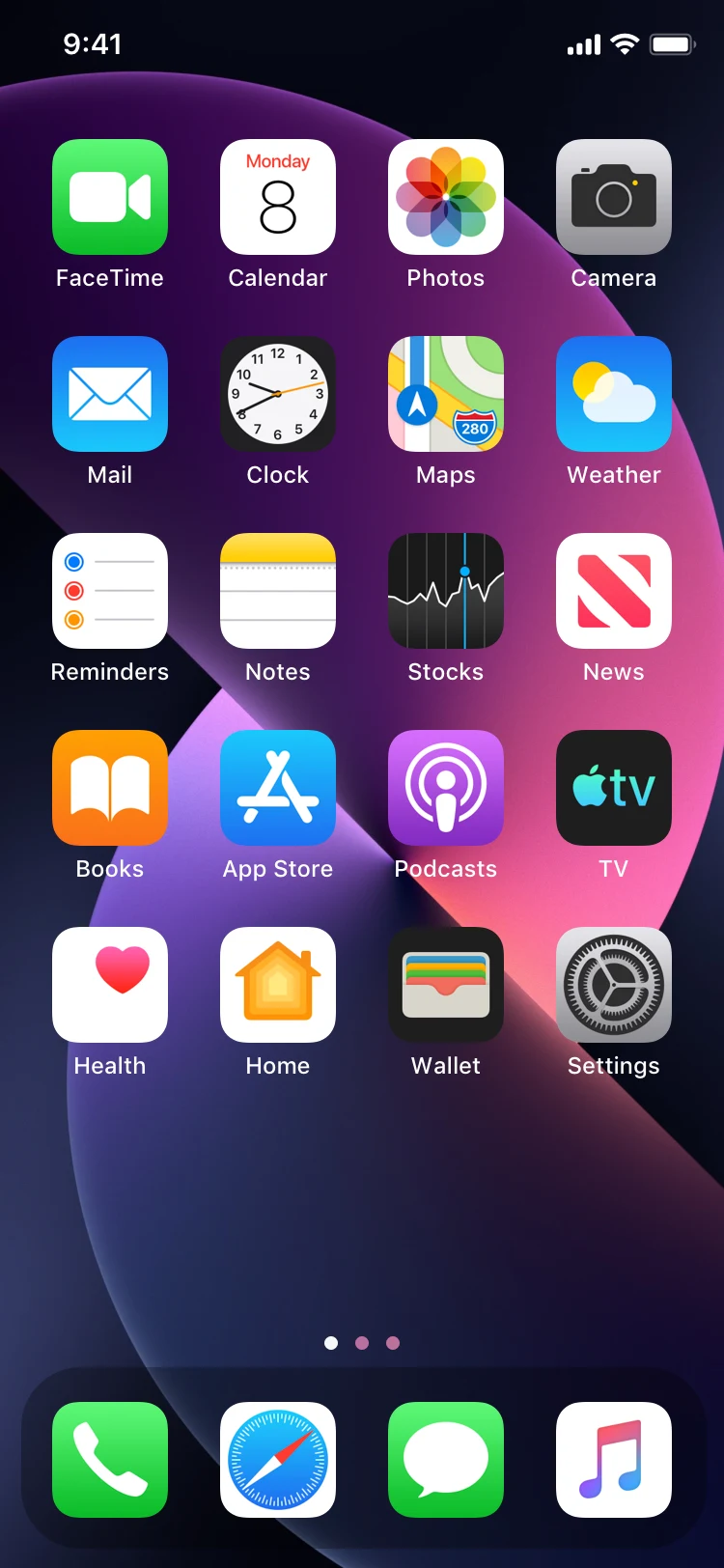
- The iOS home screen
- AppIcon-1024.png1024×1024
One square per appearance, and the default and the dark one are both here. The system scales either for the home screen, Settings, Spotlight and notifications, and draws the corners from its own mask.
- A Mac's Finder and Dock
- AppIcon.icns16–1024 px
One container holding eleven chunks over seven squares, for a build that is not an Xcode project.
- Android's launcher
- ic_launcher.xml, ic_launcher_foreground.png108 dp, 48 dp legacy
Two layers assembled by the XML, with the foreground on the 108 dp canvas and the legacy icons in five density buckets. Every shape a launcher may crop them to belongs to the launcher.
- The Google Play listing
- play-store-icon.png512×512
What the store shows beside your app. It rounds the corners and draws the shadow itself, so the file is a plain square.
- The Windows taskbar and File Explorer
- icon.ico16, 24, 32, 48, 64, 256
One file for every place Windows draws an icon, because Windows picks the frame it needs rather than scaling one up.
- A Linux desktop
- 512x512.png, 32x32.png32–512 px
One PNG per size, in the size-named directories a desktop icon theme looks in.
One composition, written into every container
The tool measures where the logo's ink actually is, drops the transparent border it was exported with, and fits what is left inside the margin you chose. Every file is that one square: the icon a launcher crops, the icon a store shows and the icon a taskbar draws are the same composition at different sizes.
A 512 px export scaled up into a 1024 slot is what makes an app icon look soft on a phone. What arrives here is composed at the largest square in the set, and the notes under the home screens say when the logo you gave it was smaller than that.
The safe band is the platform's, and the strictest one is what this fits
Android's launcher is the surface that crops hardest: the inner 66 of its 108 dp layer is what a mask may not reach, so a square logo needs about 28% on each side, which is the number the margin field opens on.
Every other platform is handed the same composition rather than one fitted for itself, and that is what lets one file serve a taskbar and a home screen. Under that band the Android icon is the one that can be clipped, and the sentence under the picture says so in the platform's own terms.
What this tool does not do. It composes and encodes the logo you give it; it does not redraw it, so a logo with hairlines or small type is still soft at 16 px and the page says so rather than patching it over. It also writes the six destinations in the table and no others: a watchOS, tvOS or Vision Pro icon, a store screenshot, and the flattened single-ink layer a themed launcher can use are different artifacts with rules of their own.